
Your first run
What setup asks you, why it asks it, and how you finish one click from your first drafted week.
Setup is a conversation, not a form. asambl asks one question at a time and turns your answers into your life picture, the facts every plan reads. The welcome says it in one line: pick your life areas, fill in your life picture, then plan your first week.
It runs in six moves.
1. Setup
Four short screens establish who you are planning for.
First, the life areas you want asambl to plan with you: Health, Money, Relationships, Joy, Growth, and Career. The weekly plan is always on and cannot be turned off, so the week itself always has a home. Add what you are ready for; an area you leave out stays out of your week entirely, and you can add it later without redoing anything.
Then your name, where you are based (used to find what is on near you, and for public holidays), and your timezone. The last screen explains how asambl handles your data and asks for your consent before you continue.
2. Your life picture
For direction, the shape of a good week, what keeps slipping, and each area you added, asambl asks a few real questions: what you are working towards, what you already have in place, the people and commitments that matter. It finishes with when you are sharpest and when you usually work. These are short answers, and this is the step that makes the difference between a generic plan and one that fits.
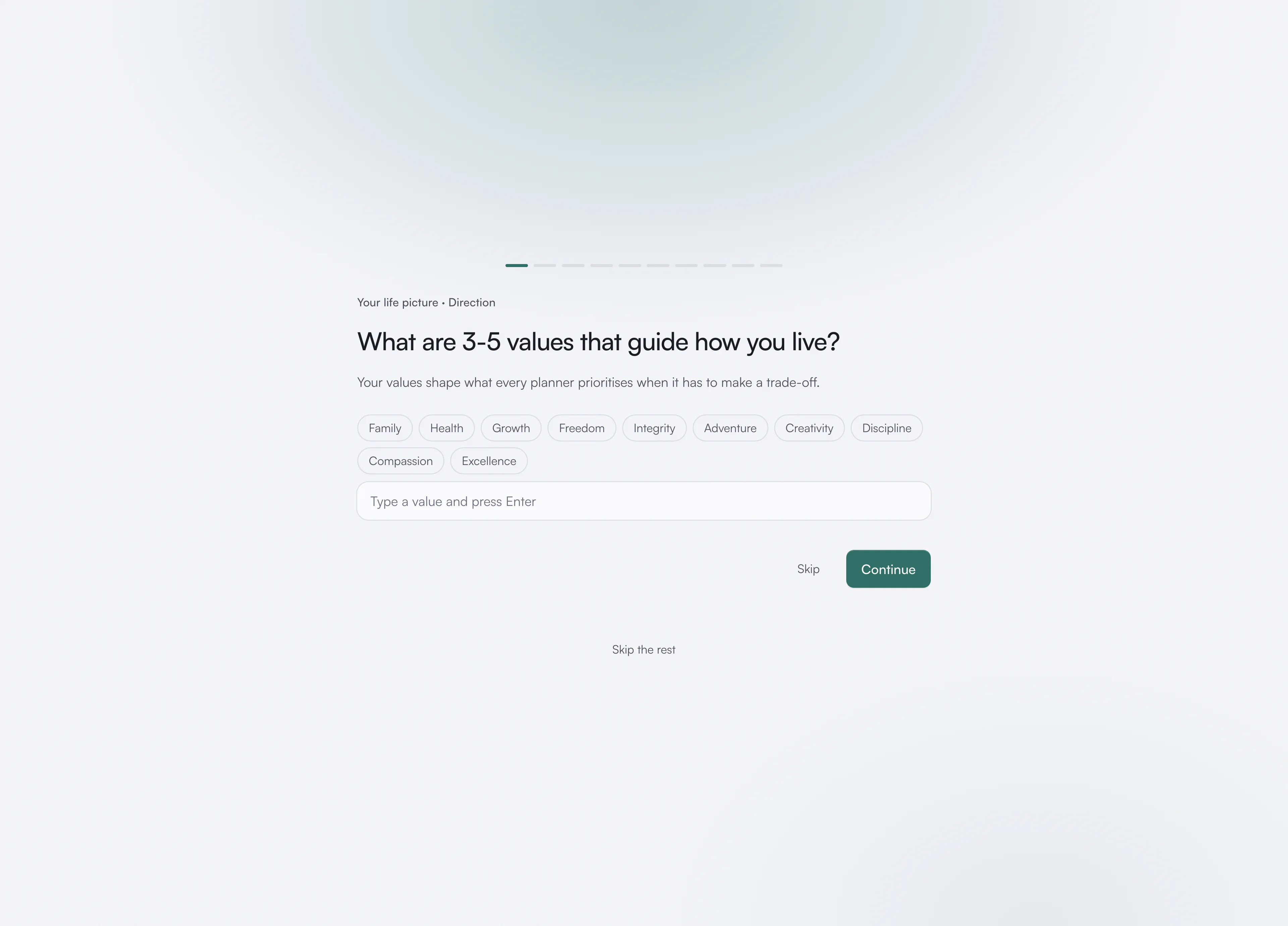
You can skip a question, or Skip the rest and fill in your life picture later at your own pace.
3. Read back
asambl reads your answers back to you in a short paragraph: what it thinks a good week looks like for you and what it thinks keeps slipping, drawn from what you just said rather than from a template.
Looks right keeps it as part of your life picture. Adjust takes you back to the questions with your answers kept. It is faster to fix here than to argue with a plan built on it.
4. Connect your calendar
Optionally connect Google Calendar. asambl plans around what is already committed, so connecting means your first draft works around your real week rather than an empty one.
You can skip this step entirely and connect later, or never, from Settings under Integrations; everything else works without it.
5. Setting up
asambl saves your setup and makes your notes searchable. It takes a few seconds.
6. Your life picture, and your first week
Setup ends on your life picture: the facts every plan is drawn from, which you can change or delete whenever you like, and the rough shape of a week from what you just said. Plan your first week takes you to Today and starts planning straight away. The draft is built by the same machinery that runs every week from here on: a planner per life area, working in parallel, reconciled into one week. See How planning works.
After setup
Today is your home page. It leads with what the week needs: your first plan to make, then the day's schedule and your Top 3, the week's actions to tick off, and your habits, recent plans and life picture down the side.
From here, read Weekly planning for the questions you will answer each week, or Life areas for how the areas you added hold your context.