
Health
Training, recovery, and nutrition in one area, with the targets and logs the planner reads when it drafts your week.
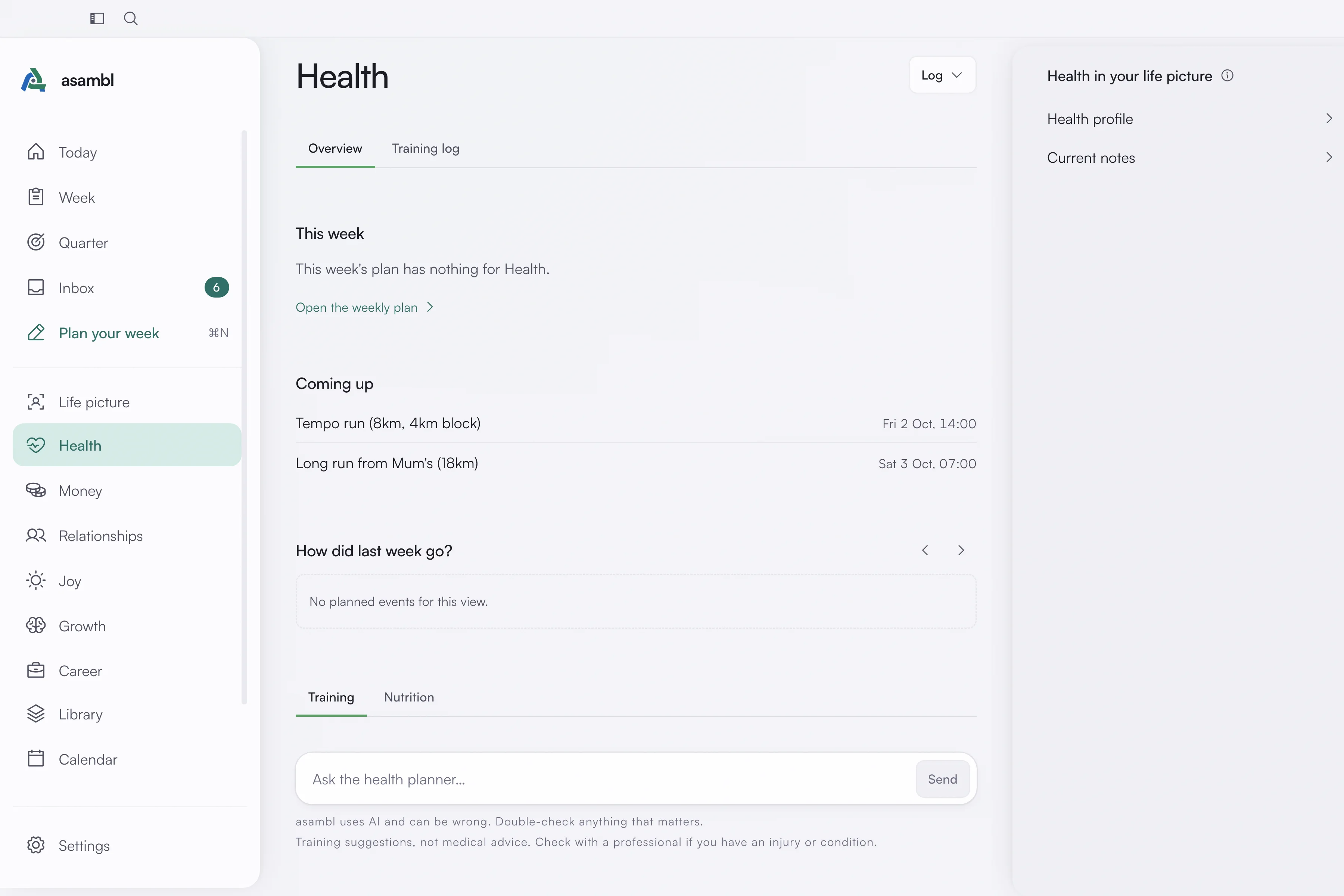
Health holds two halves of the same thing: how you train and how you eat. The page opens on Overview, which leads with Health's part of this week's plan, what is coming up and how last week went. Below that, switch between the Training and Nutrition planners. The Training log tab holds your sessions.
Training
Your Health profile is where you say what you are training for, what you can actually commit to, and what shape you are starting from. The Health planner reads it when it sequences your training week, so a profile that says three sessions and a bad knee produces a different week from one that says six and no constraints.
Training log. The tab lists the sessions waiting to be logged, what is coming up, your personal records and your past sessions, each with its sets, reps, load and effort. Log from the desktop, or from Check in on the Companion while you are still in the gym.
Body metrics. Weigh-ins sit beside the Training log, with Log weight. Other measurements go in through Measurement in the Log menu, recorded over time rather than as a single current number.
Current notes. A free-text note for whatever is true this month: an injury you are working around, a race you are building towards, a stretch where you have no time. The planner reads it, so it is worth keeping current. Open it from the side panel, Health in your life picture.
Nutrition
Targets. asambl can work out your daily calorie and protein targets from your details rather than making you look them up. Set them yourself if you would rather.
Stock your kitchen. A guided setup that captures your staple foods and your go-to meals. This exists so your weekly menus and shopping lists are built from things you actually eat, instead of a generic meal plan you will ignore.
Meal diary. What you ate, with macro estimates and a daily tally against your targets. Describe a meal on the desktop and asambl estimates it, or log it from Check in on the Companion, where scanning a product barcode fills in the details for you. Estimates are always labelled as estimates.
What the planners do with it
The Health planner drafts your training into the weekly plan. The Nutrition planner drafts menus and shopping lists when you ask it on this page, and it reads your training so the two fit together: a heavy training week changes what you need to eat, and a week with no time to cook changes what you can realistically train for.
Your training also works around the rest of your week rather than competing with it. Sessions land where you have the energy and the gap for them, which is why a week you mark as lower energy (see Weekly planning) changes what this area proposes.
A priority about your job's boundary, such as leaving on time, a hard stop or no email after a set hour, comes to Health, which anchors the end of your workday.
Where it lives
Health's notes are plain Markdown in your data folder: your Health profile, your
current notes, your body measurements and your nutrition profile. The profile
keeps its older file name, Fitness_Profile.md. The sessions and weigh-ins you
log are kept on your computer too. Editing inside asambl keeps everything in
step.